A better customer experience starts with an appointment
Every appointment booked online. Every team member ready.
Built for stores that live on relationships
Whether you’re tuning bikes, sizing jewelry, dropping off a camera for repair, or just want customers to book time with your team, appointments fits how your shop already works.



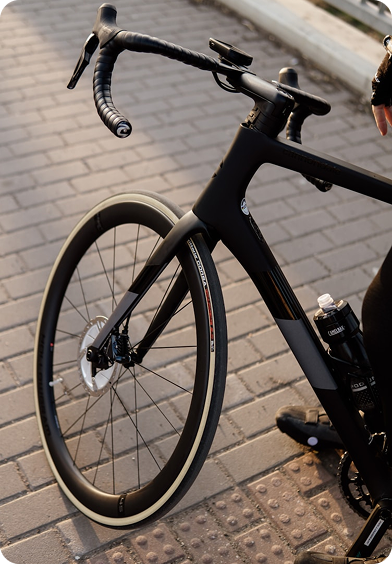
Skip all the double entry between platforms
Appointments seamlessly become workorders in

Step 1
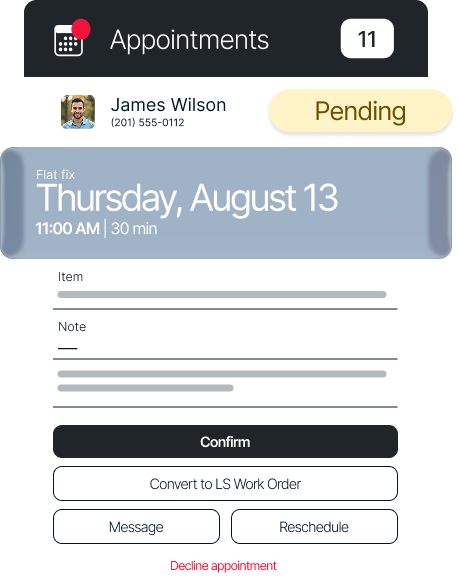
Booked as a repair appointment
Customers book without needing to know exactly what's wrong.
Step 2
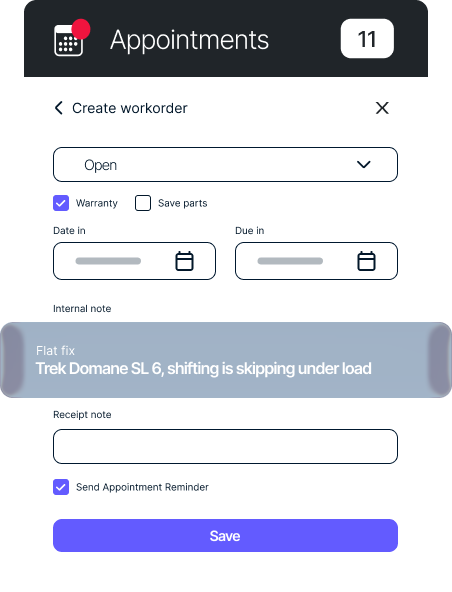
Diagnosed by your mechanic
Once the bike's in front of them, they know exactly what it needs.
Step 3
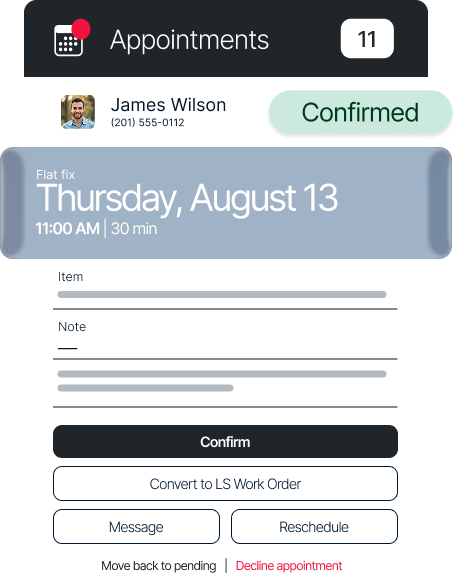
Sent straight to Lightspeed
Everything from the appointment carries over into a Lightspeed workorder, ready to go.
Notifications
sent automatically to the right people
Your team never misses a new booking
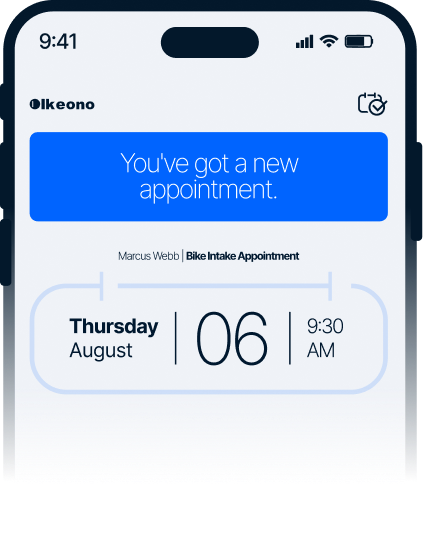
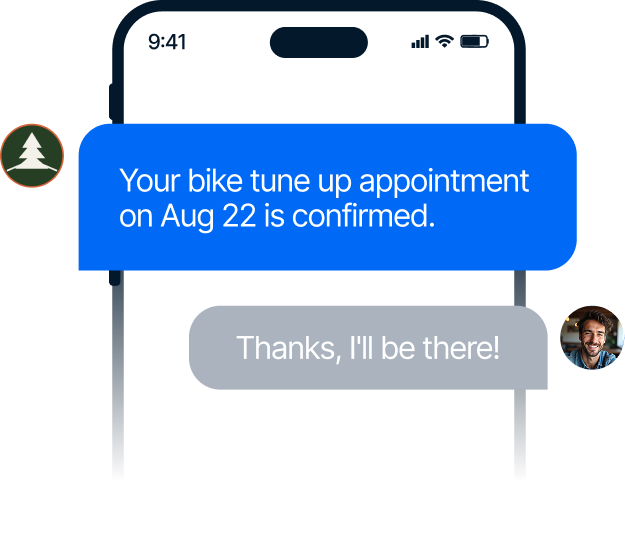
Your customers always know what’s next
Appointments booked in 3 easy steps
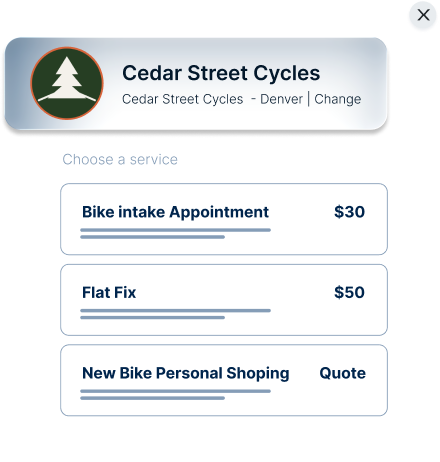
Step 1
Service selected
A process that feels like your shop, not a generic booking form.
Step 2
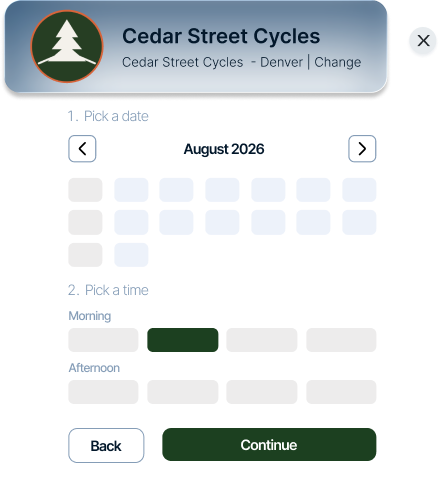
A time your customers want, and your team can handle
Customers pick from times you’ve already approved. No surprises, no overbooking.
Step 3
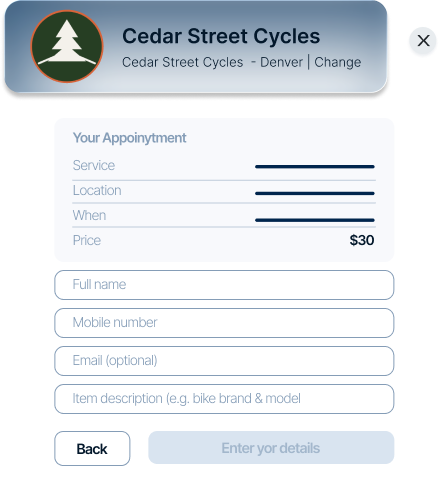
All the information you need to prep
Everything you need to know ahead of time.


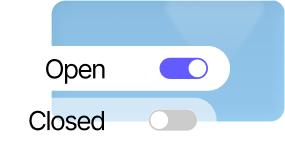
Availability that works around you
Booking rules
set your way
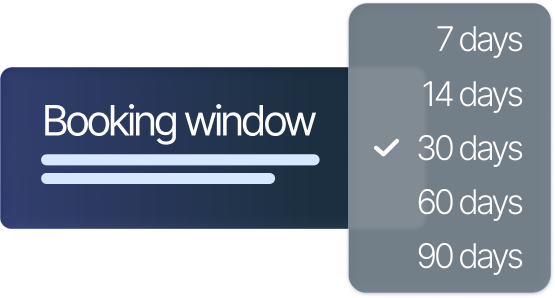
Just the right amount of lead time
Set how far ahead customers can book, so your calendar doesn’t fill up with appointments months out.
No last-minute surprises
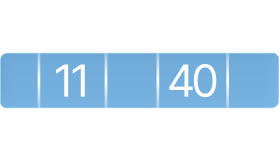
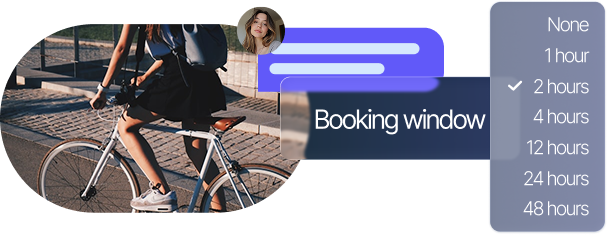
You decide how last-minute is too last-minute, two hours, a full day, whatever works for your shop.
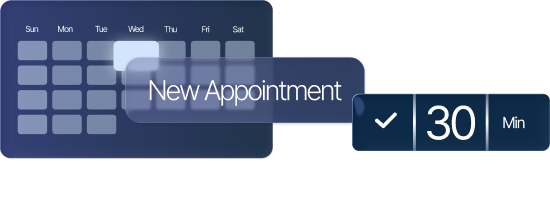
Room to do every appointment right
Give every appointment the time it actually needs, back to back without the rush.
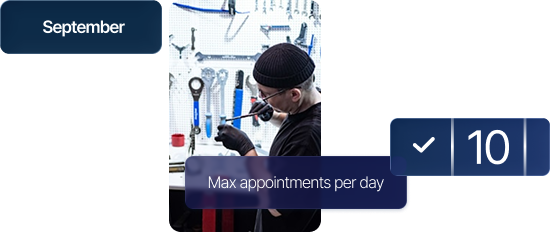
Never overbooked
Cap how many appointments you’ll take in a day, so your team never gets stretched too thin.
Multi-location
appointment booking

the right store

with its own rules

right into the booking process
Frequently Asked Questions
-
A way for customers to book time with your shop directly from your website. No back and forth needed, they pick a service, pick a time, and your store stays organized.
-
Yes. Appointments works right on the website you already have. No new site, no separate app to manage.
-
Yes. Our integration allows you to convert an appointment into a workorder.
-
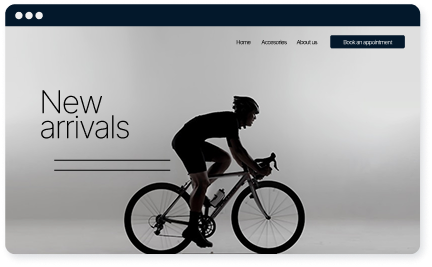
Yes. Customers book in 3 easy steps, they: pick a service, pick a time, and add their details. No account required, no app to download.
-
It depends on your team, but the process itself is simple: set up your services, hours, and booking rules to match your store, then add the Book Appointment button to your website.
-
Yes. Start a free trial and see how appointments fits your shop before you commit to anything.
Join the conversation
Fresh perspectives and creative solutions for your business